
Updated August 2026.
I wrote this in 2017. Nearly everything in it is now wrong.
Google renamed My Business to Business Profile. Retired Map Maker. Killed Google+. Quietly dismantled the standalone dashboard everybody used to manage their listing. Postcard verification used to be the default and now it barely shows up. And you don’t get to pick how you verify anymore. Google picks for you.
So this is a rewrite, not a refresh. Here’s how editing your business on Google Maps actually works now.

Why any of this matters
Your Google Business Profile is what customers see before they see your website. Hours, phone number, photos, reviews, whether you’re open right now. For a lot of local searches it’s the only thing they see. They call from the map pack and never visit your site at all.
Which means bad data on your profile costs you business in a way bad data on your website usually doesn’t. A wrong phone number on your About page is embarrassing. A wrong phone number on your Business Profile means the phone doesn’t ring.
Accurate business information is one part of a bigger picture. My SEO services cover local and organic visibility both. But this particular piece you can handle yourself, and that’s what this post is for.
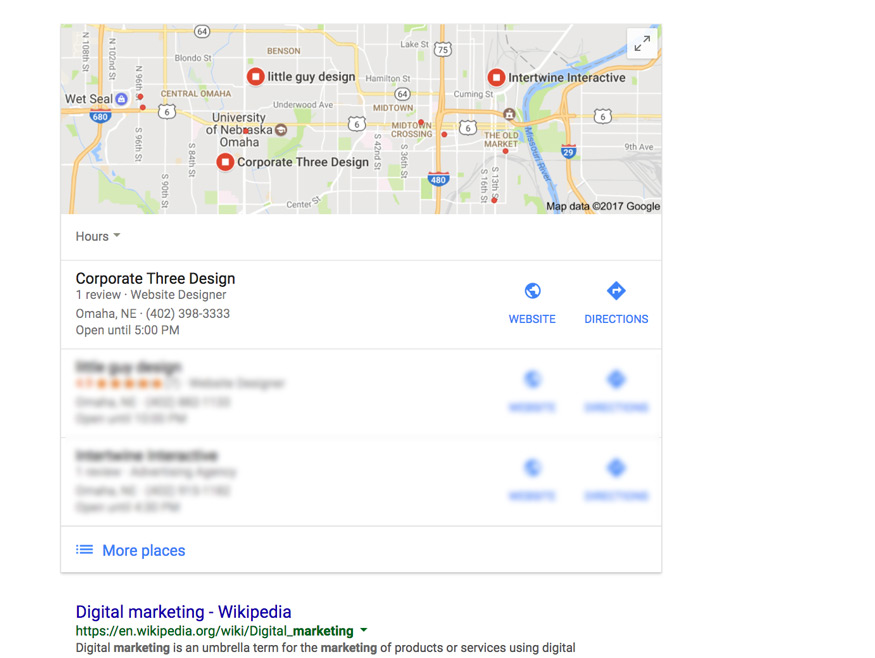
Find your business on Google Maps
Search your business name plus your city, on Google or in Maps. Do it signed out or in a private window so you see what a customer sees, not what Google shows you because it already knows who you are.
One of three things happens.
Your business shows up with an “Own this business?” or “Claim this business” prompt. Google made a listing for you, or somebody else did, and nobody has claimed it. Happens more than people expect. Google generates listings from crawled data, licensed directories, and user submissions.
Your business shows up and looks managed. Somebody claimed it. Hopefully you. If it wasn’t you, and it’s a former employee or an agency you fired or a marketing vendor from 2019, you’ll need to request ownership instead of starting over.
Your business doesn’t show up at all. You’re invisible on Maps and you’re not even in the running for the map pack. Start with a local SEO audit so you know what else is broken before you fix just this one thing.
I can’t find my business on Google Maps
That’s a problem. Fix it today, not next quarter.
You’ve seen the map pack. Three businesses get a map and top placement above the regular results. Lots of factors decide who lands there, but there’s one hard prerequisite: you have to be listed and verified. Everything else is a tiebreaker.
For service businesses especially, the kind of work I get into in SEO for roofing companies, your Business Profile matters more than your website does. The website supports the profile. The profile gets the call.
If you’d rather not learn this on your own live listing, I do hands-on local SEO help and visibility cleanup.
Claiming and verifying your profile
You can’t edit anything until Google confirms you’re allowed to. That’s verification, and it’s where most people get stuck.
To claim a listing that already exists, pull it up in Search or Maps, hit Claim this business, follow the prompts. To add a business that isn’t listed at all, go to business.google.com/add.
Then Google decides how you’re going to prove it.
You don’t choose your verification method
Biggest change from the old process, and most guides still bury it way down the page.
You used to get a menu. Postcard, phone, email, pick one. Not anymore. Google assigns a method based on your business category, your address, how much it already knows about you from everywhere else, and your profile’s history. Usually you’ll see exactly one option. No menu, no supported way to switch.
If the method you get doesn’t work for your situation, that’s frustrating and there’s no clean workaround. Which is why getting it right the first time matters a lot more than it used to.
Video verification
In 2026 this is what most businesses get. New profiles especially, and anybody who recently changed their address.
Google wants one unedited continuous video that proves three things. Your location is real. Your business operates there. You’re authorized to manage it. In practice: start at your exterior signage, walk through the entrance, into the working space, and finish with something that proves your role. Keys, the point of sale system, business mail, your equipment.
What makes these fail:
- Signage that doesn’t match the business name on the profile, exactly
- A break in the recording, or an edited file
- Bad lighting, or footage too shaky to read anything
- A service area business with no real physical evidence to show
- Submitting from a different Google account than the one that owns the profile
Shoot it in daylight. Walk slow. Say what you’re showing while you show it. Google asks you to avoid faces and sensitive documents.
Reviews usually take a few business days.
The other methods
Phone or text. A code by automated call or SMS. Limited to businesses with an established, consistent footprint across the web.
Email. A link sent to a domain based business address. Uncommon, and not happening if you run the business off a Gmail address.
Search Console instant verification. If your site is already verified in Search Console under the same Google account, you might get through instantly. Rare. But it costs nothing to have Search Console set up ahead of time and you should have it anyway.
Postcard. A code mailed to your address, showing up in one to two weeks. This used to be the standard path. Now it turns up a lot less, especially for service area businesses.
When it says “No more ways to verify”
Google limits how many attempts you get. After a few failures the system stops offering options and gives you this message.
It’s not permanent. But it does mean self service is over and you’re into support territory. Which is the real argument for prepping before your first attempt. Fix the signage, match the name exactly, use the right account. Treat the first try like it’s the only one, because it might be.
Three ways to edit once you’re verified
1. Right in Google Search
Fastest route. Signed into the owning account, search your business name, or just search “my business,” and your profile comes up as an editable panel in the results. Hit Edit profile and change what you need.
Hours, phone, website, description, categories, photos, attributes. Save it and it propagates to Maps.
No dashboard. No separate login. This is what replaced the old Google My Business interface, so if you’ve been hunting for that dashboard and coming up empty, that’s why.
2. The Google Maps app
Open Maps on your phone, tap Business at the bottom right, then Edit profile.
Worth knowing because it’s where you’ll do most of your actual maintenance. Posting a photo, answering a review, fixing holiday hours. None of that needs a desktop, and the version of you standing in your own business is way more likely to do it than the version sitting at a laptop.
3. Business Profile Manager, for multiple locations
Managing more than a handful of locations? business.google.com still gives you a list view for bulk work. Click into any single location and it usually drops you into the Search based editor anyway.
For one location, skip it. Search is faster.
Editing a business you don’t own
Anybody signed into a Google account can suggest changes to any listing. Pull up the business, hit Suggest an edit, submit the correction.
This is how you flag a competitor’s keyword stuffed business name, report a listing at an address where nothing exists, or fix genuinely wrong info about a business you have nothing to do with. Google weighs your suggestion against everything else it knows, so nothing is guaranteed and rejections don’t come with an explanation.
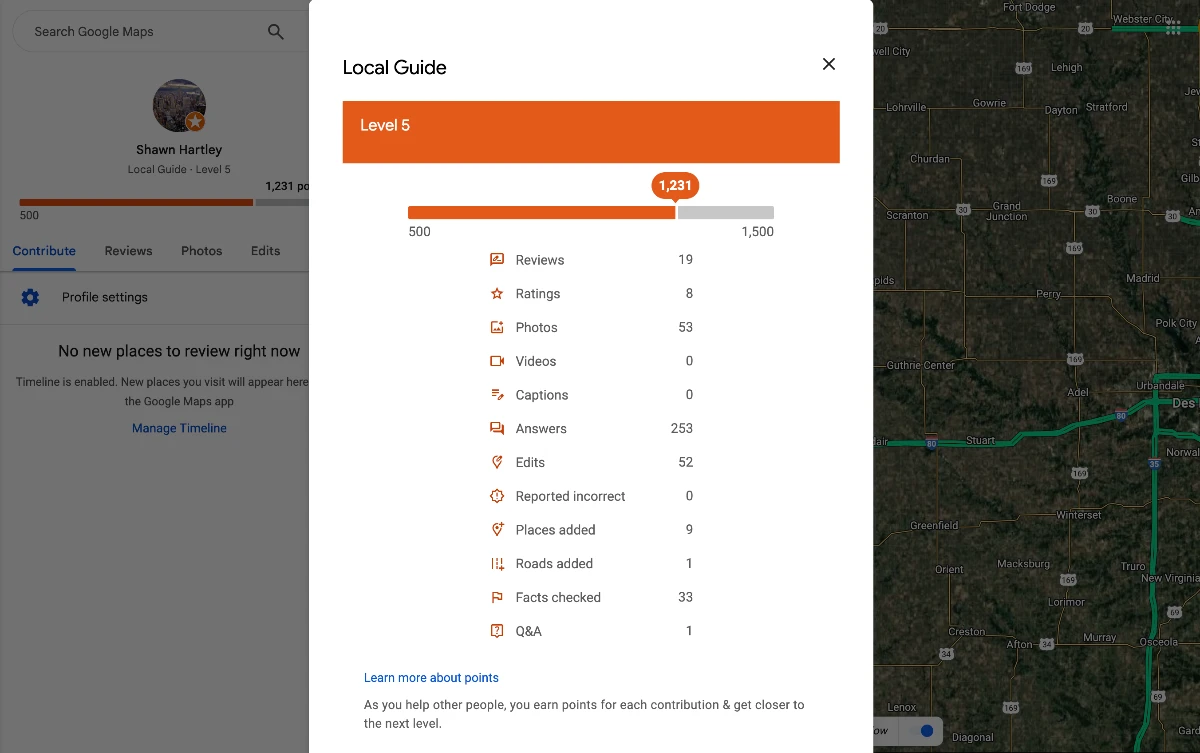
Contributions build up points through the Local Guides program. I’m a Level 5 Local Guide, which I only mention because it seems to matter. Google appears to trust established contributors more than one-off submissions.
If your business has duplicate listings, that’s a listings problem, not a Maps problem. Same thing happens on Facebook, and I’ve written up claiming, merging, and removing unofficial Facebook pages if you’re cleaning up more than one platform.
What actually keeps you visible
Verification gets you in the door. Staying visible is a maintenance problem.
The fields that matter most are the ones people ignore. Your primary category does real ranking work, and it should describe what you actually do, not everything you’re technically capable of doing. Your hours, holidays included. Photos, which Google seems to read as a sign somebody’s home.
Then there’s consistency. Name, address, phone number should match across your website, your profile, and every directory that lists you. Google leans on that agreement to figure out which listing is the real one. More on that in NAP consistency and why it matters.
Your website should back up what your profile says. If they disagree you’re asking Google to guess, and it might guess wrong. My website design and development services make sure the site holds up its end.
A word on gaming it
Don’t stuff keywords into your business name. Don’t register a virtual office or a mailbox as a physical location. Don’t spin up a second listing to cover another neighborhood.
Enforcement has tightened a lot, and competitors report each other constantly. A suspension pulls your listing off Search and Maps entirely, and reinstatement is slow, opaque, and not guaranteed to work. The upside was never worth it. Now the downside is worse.
Enter your info accurately. Be yourself.
Keeping it current
Hours change. Numbers change. Photos get stale. None of it is hard and all of it gets forgotten, because it’s exactly the kind of repetitive admin nobody puts on a calendar. The sort of thing I’d argue belongs on the list of boring tasks an AI agent could handle.
Set a recurring reminder. Quarterly works for most businesses. Monthly if you’re seasonal or you’re posting offers.
Better visibility should turn into more calls, more inquiries, more customers. If you want help building the path from search visibility to actual business, that’s what my lead generation services are for.
Frequently asked questions
Is Google My Business the same as Google Business Profile? Yes. Google renamed it in late 2021. Same tool. The old name still shows up in a lot of outdated guides.
Where did the Google My Business dashboard go? Mostly gone. You manage your profile directly in Google Search or the Maps app now. Multi location businesses still get a list view at business.google.com.
How long does verification take? Video reviews usually take a few business days. Phone and email are close to instant. Postcards run one to two weeks.
Can I choose how I verify? No. Google assigns your method based on your business type and what it already knows about you. Usually you’ll see one option.
Can I edit a business I don’t own? Yes, through Suggest an edit. Google reviews it and decides whether to publish.
How long do edits take to show up? Usually a few hours. Some changes take a couple of days to reach everybody. Category changes take the longest.